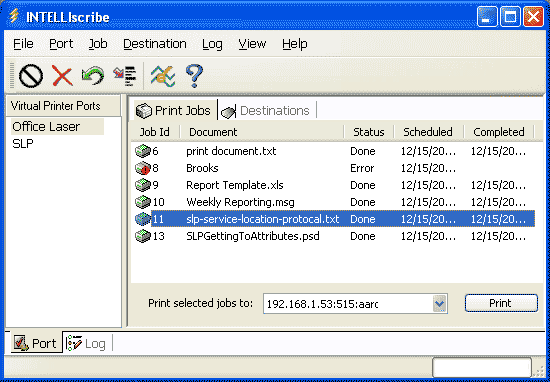
INTELLIscribe Print Job History and Archiving

Archive print jobs with INTELLIscribe®. Print jobs are saved to a spool directory under the main INTELLIscribe folder. You can configure INTELLIscribe for the following archiving options:
[view the “print history” screenshot]
- Delete jobs after a specified number of days have passed.
- Keep only jobs that do not finish printing.
- Archive only a previous number of jobs that have been printed.
- Delete immediately after printing, choosing not to archive print jobs.