
RPM PCL Banner Transform
Screenshots in this article are from RPM 6.2.
This transform inserts a PCL banner page.
Purpose
This transform provides a convenient way to attach a custom banner to a PCL print job. Note that we can pull from any tray, so you could use colored paper if you wish.
The “content” setting refers to what you will print. “Job” means RPM will generate a banner with job metadata. “Dot” indicates a single period; this allows systems that suppress blank pages to pass this page. “White space” is an empty page.
Setup
- Content Select the content of the banner page (Job, Dot, or white space)
- Input Tray The source tray from which the banner will be printed.
- Output Bin The printer-specific output bin.
- Top Enter the top margin (in inches) used for the banner (default: 0.75 inches)
- Left Enter the left margin (in inches) used for the banner (default: 0.75 inches)
- Paper Type Select the paper type installed in the selected input tray.
- Select font The font used on the banner page. All text on the banner page is printed in this font (default: Helvetica)
- Spacing Select whether to use proportional or fixed font spacing (default: fixed)
- Encoding Character encoding (codepage) to use.
- Font size Enter the size of the font in points (default: 14)
Job banner
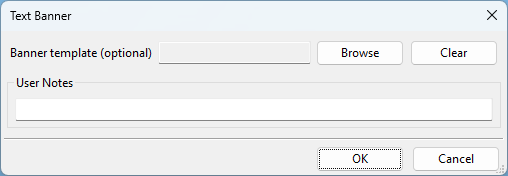
The following table shows what will print when the transform generates the banner with the job data.
- CLASS = job class
- HOST = originating host
- INDENT = indent
- JOB = job name
- NAME = source name
- USER = job user
- TITLE = job title
- FORMAT = job format
- WIDTH = job width
- SEND = time the originating system sent the job
- PRINT = time the job was printed, that is, current time